Issues with Vonage, Zoom, RingCentral or 10DLC?  
Text us đź’¬
855-551-8858 or support@alive5.com

Business SMS Texting Platform elevated.

Advanced texting with your VoIP numbers made easy with flexible pricing starting at $5/month.
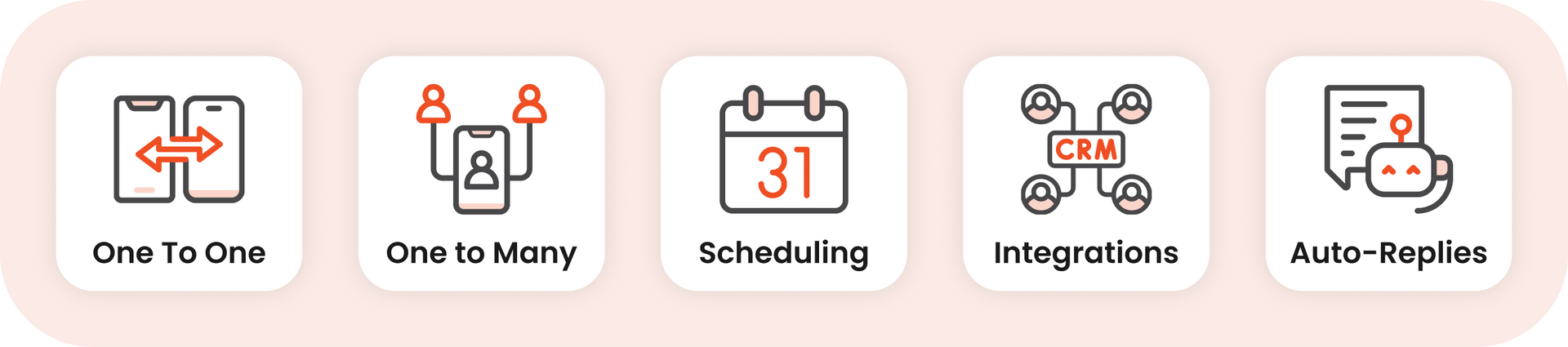
Row of five small UI icons labeled One To One, One to Many, Calendar, Integrations, and Auto-Reply.

  âś…  Do-it-for-you 10DLC registration

  âś…  Keep your existing phone provider

Schedule a Demo

Works with any VoIP phone system

The #1 tool for day-to-day operations

One platform, any type of conversation. Alive5 handles 1:1 chats, client reminders, bulk messaging, and team-wide access — all in one place.

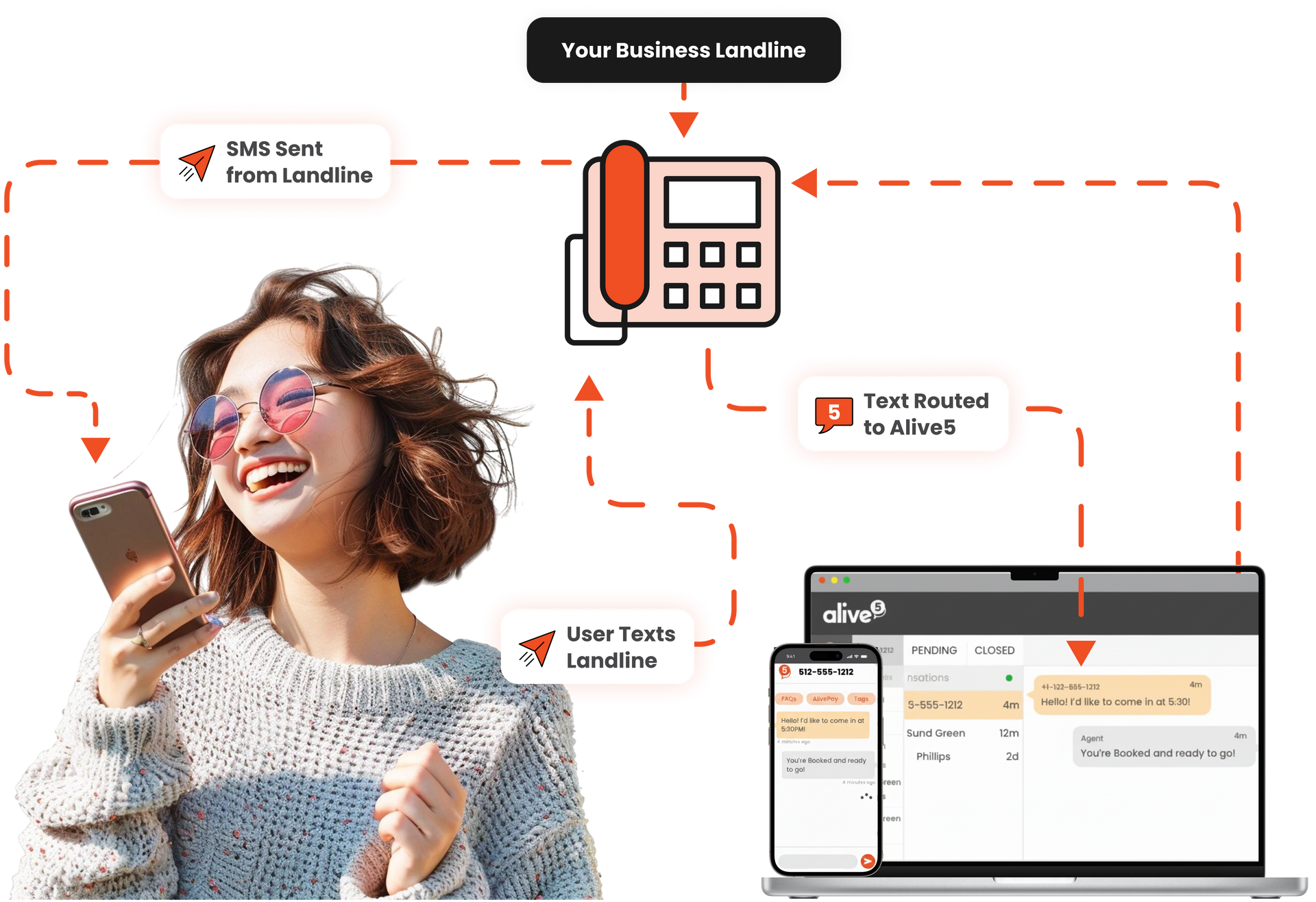
Same phone number for voice and text

Make calls through your current phone system and text through Alive5's desktop and mobile app
Woman holding a phone beside a card reader and laptop showing an online payment screen
quotesArtboard 1 copy 2

TONS of responses and lots of inbound phone calls from that reminder text. I honestly underestimated the buzz it would generate, but I'll take those problems any day!

So the text messaging campaign helped us renew an additional 62 accounts - 186 Season Tickets for $37k!

Smiling man in a white shirt and blue tie against a white background

Justin Rogers

Director of Ticket Sales
University of Texas at San Antonio

Text messaging stats

Person in a black shirt smiling while looking at a phone against a teal background

85%

of customers prefer receiving texts over phone calls or emails

$67K

Gain in annual revenue by preventing no-shows

98%

of SMS texts read in the first hour vs 40% of emails

33%

Reduction of no-shows with SMS reminders

Powerful team inbox

See all customer conversations in one place. Sort messages easily with filters and tags.


Manage different types of customers across teams using one or many phone numbers.
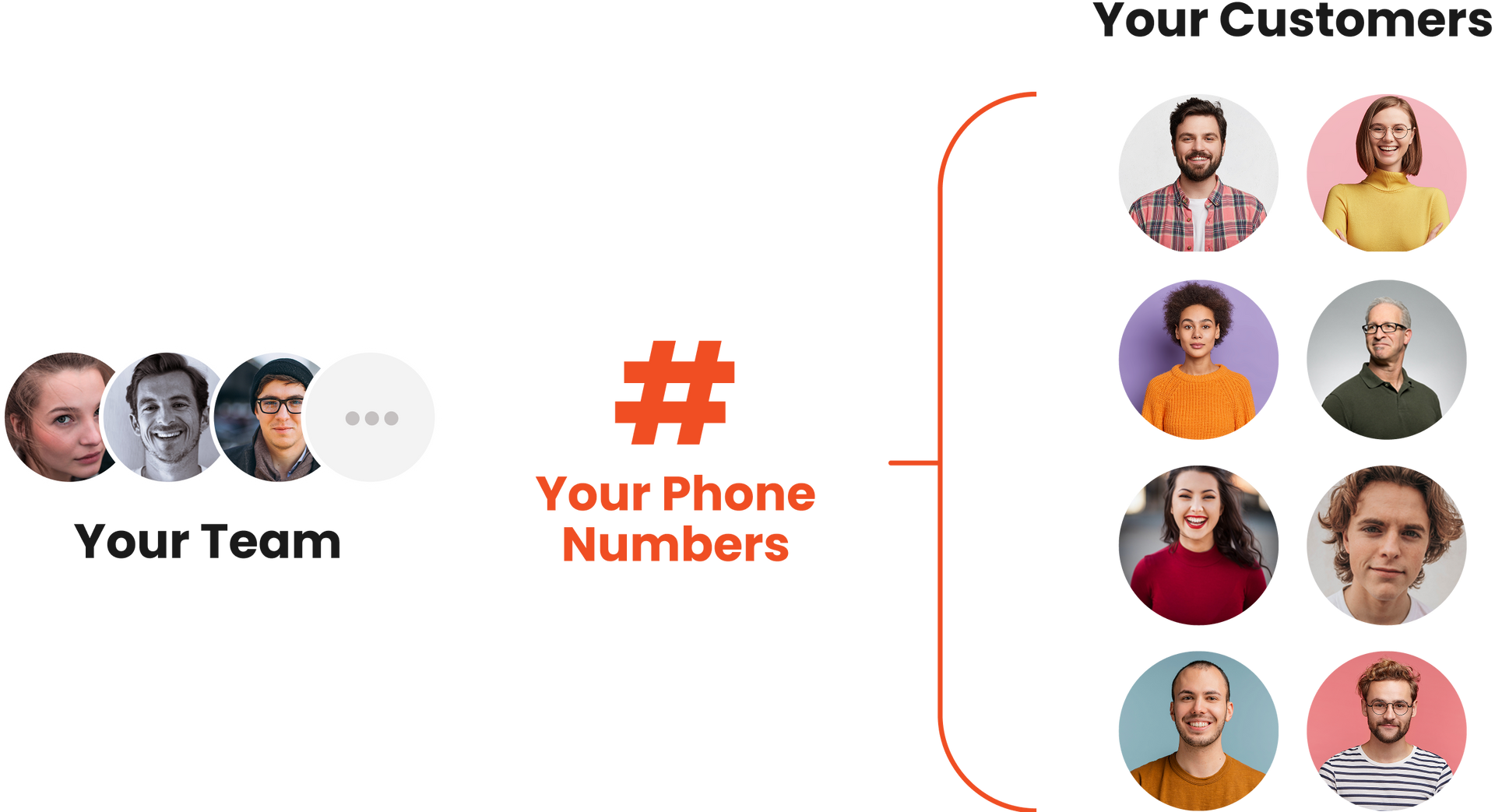
Your team and customers linked by phone numbers, shown with profile icons and a red bracket
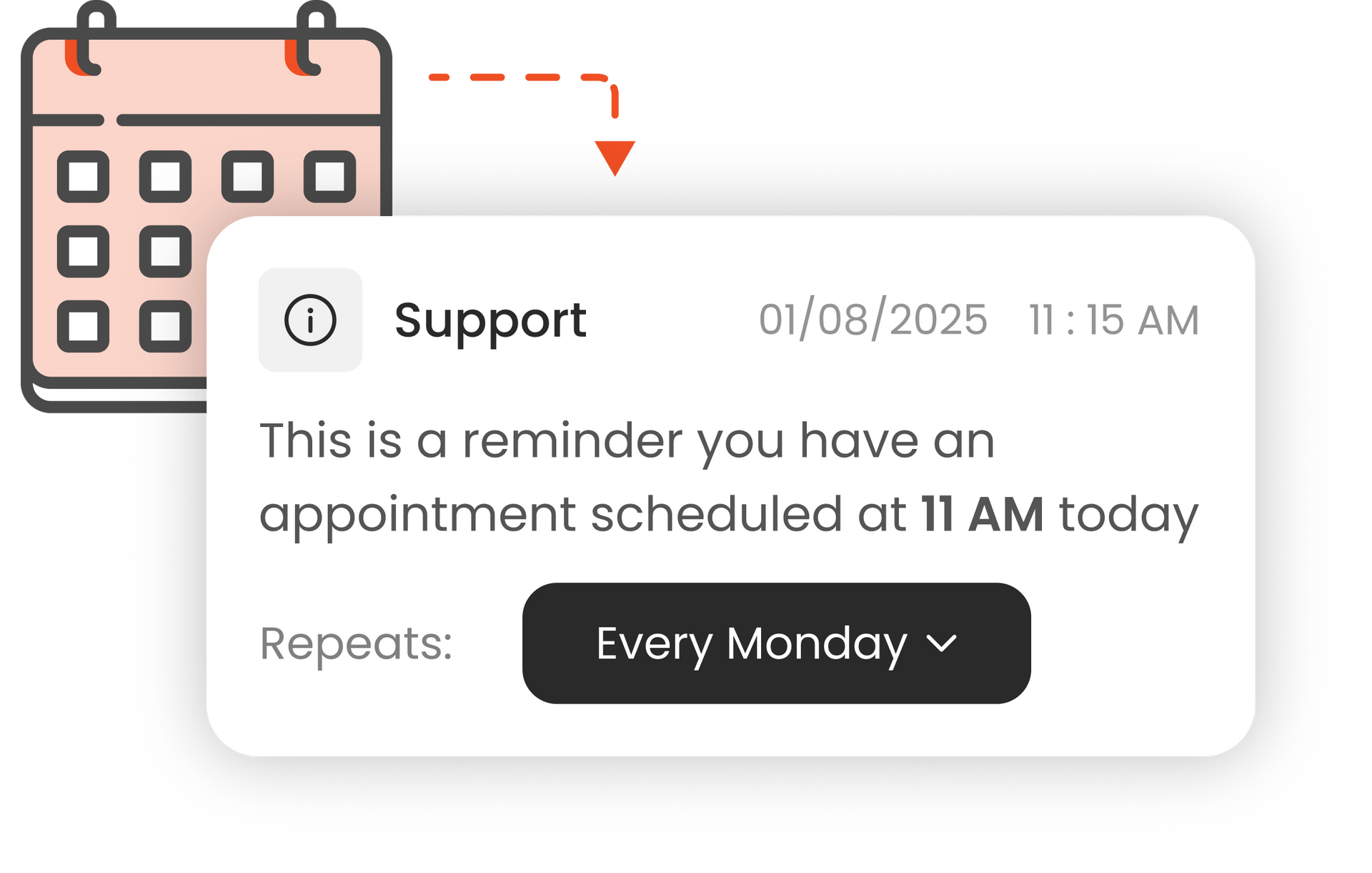
Support reminder card for an appointment at 11 AM today, with a “Every Monday” repeat dropdown.

Prevent no-shows

Reduce costly no-shows by scheduling automated text reminders before appointments.

Share links and photos

  • Send and receive without getting blocked
  • Built-in link shortener approved by mobile networks
  • Office files (PDF, Word, Excel, Power Point)
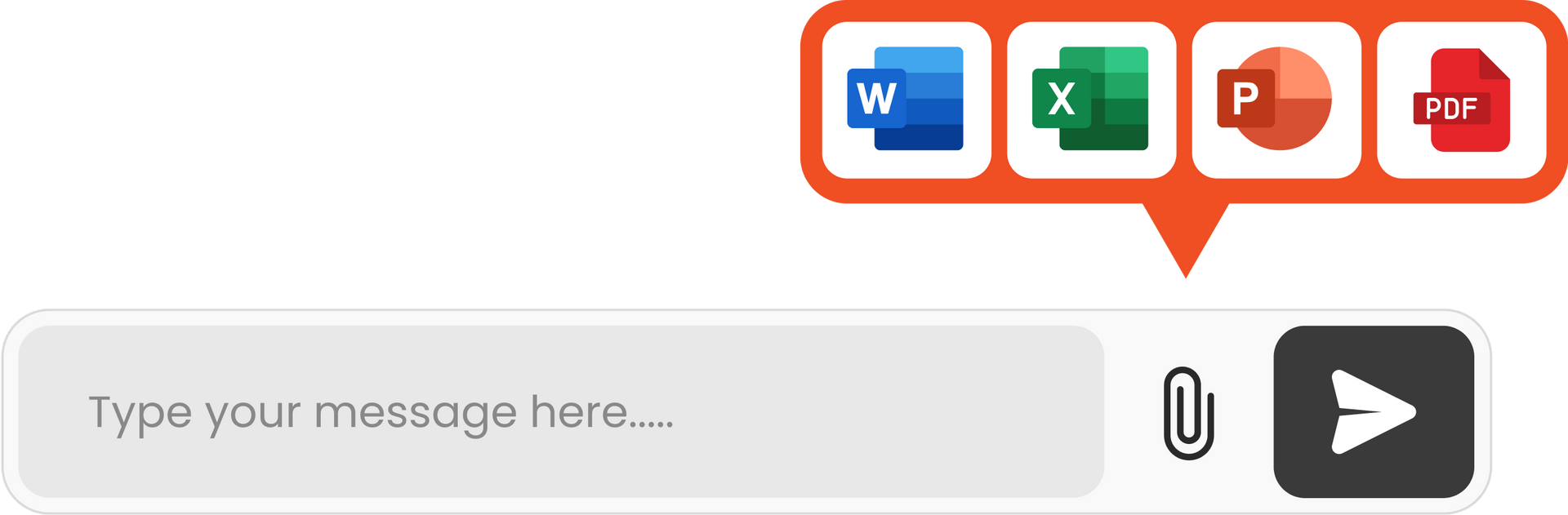
Chat message input box with paperclip and send button, plus Word, Excel, PowerPoint, and PDF file icons
Orange landscape icon with a sun inside a black square frame

Photos, PDFs, and Videos

Play button icon inside a pale pink rectangle with a black border

Commercials, explainers, videos

Smiling face icon with black outline, pale pink fill, and simple black eyes and mouth

GIFs, demos, emojis

Chat bubble icon with link label “alive5.com/IUJEON7” in a white and black design

Shortened links and websites

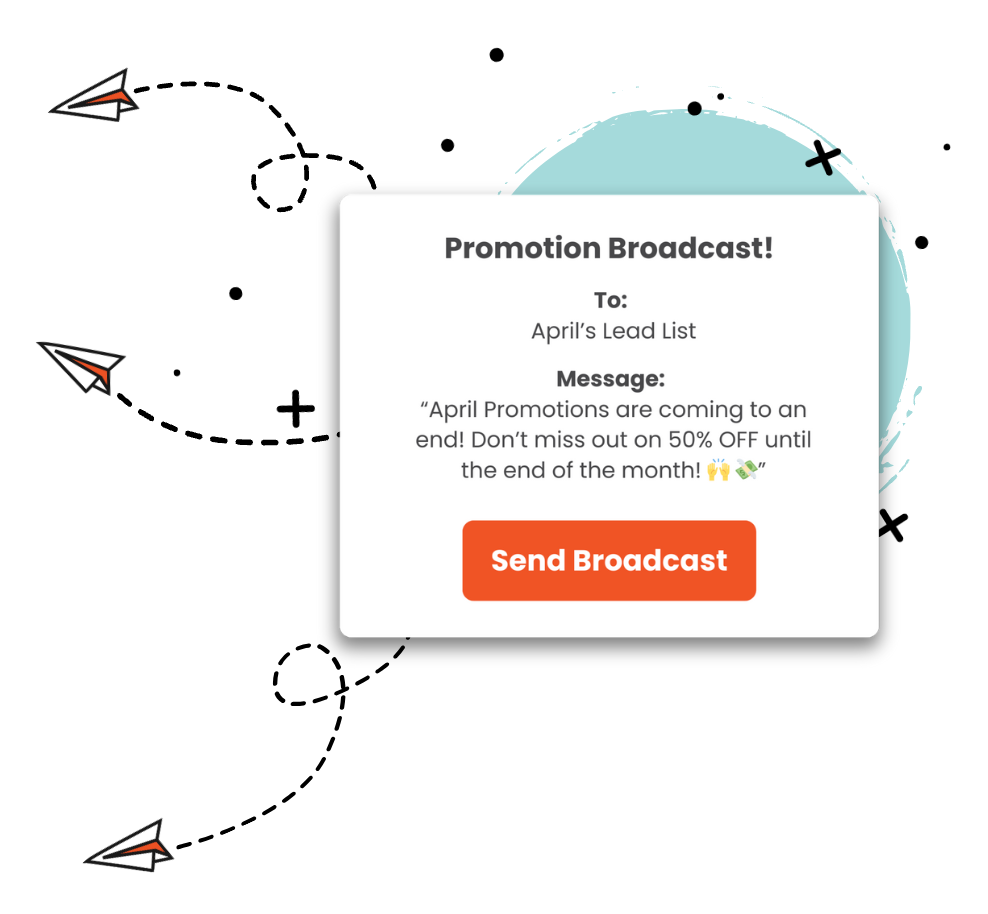
Promotional broadcast pop-up with “Send Broadcast” button and April promotion details, surrounded by paper planes

Effortless
promos and alerts

Reach thousands of mobile phones instantly with targeted promotions, timely reminders, and event updates.


Easily import and organize contacts into custom groups for precise audience targeting.

Reach one customer or thousands with a click

Segment your list

Create a list from existing contacts, or upload from a CSV file.

Right-pointing black arrow on a white background

Craft your message

Compose a personalized message with variables such as name or account info.

Black right-pointing arrow icon on a white background

Press send!

Execute with a single click, and chat with engaged contacts or let automation take over.

Right-pointing black arrow on a white background

Text in any language

Chat with users without knowledge of their native language. Reply back in your language which is translated back to theirs.


Supports 70+ languages. Become multilingual with a click!
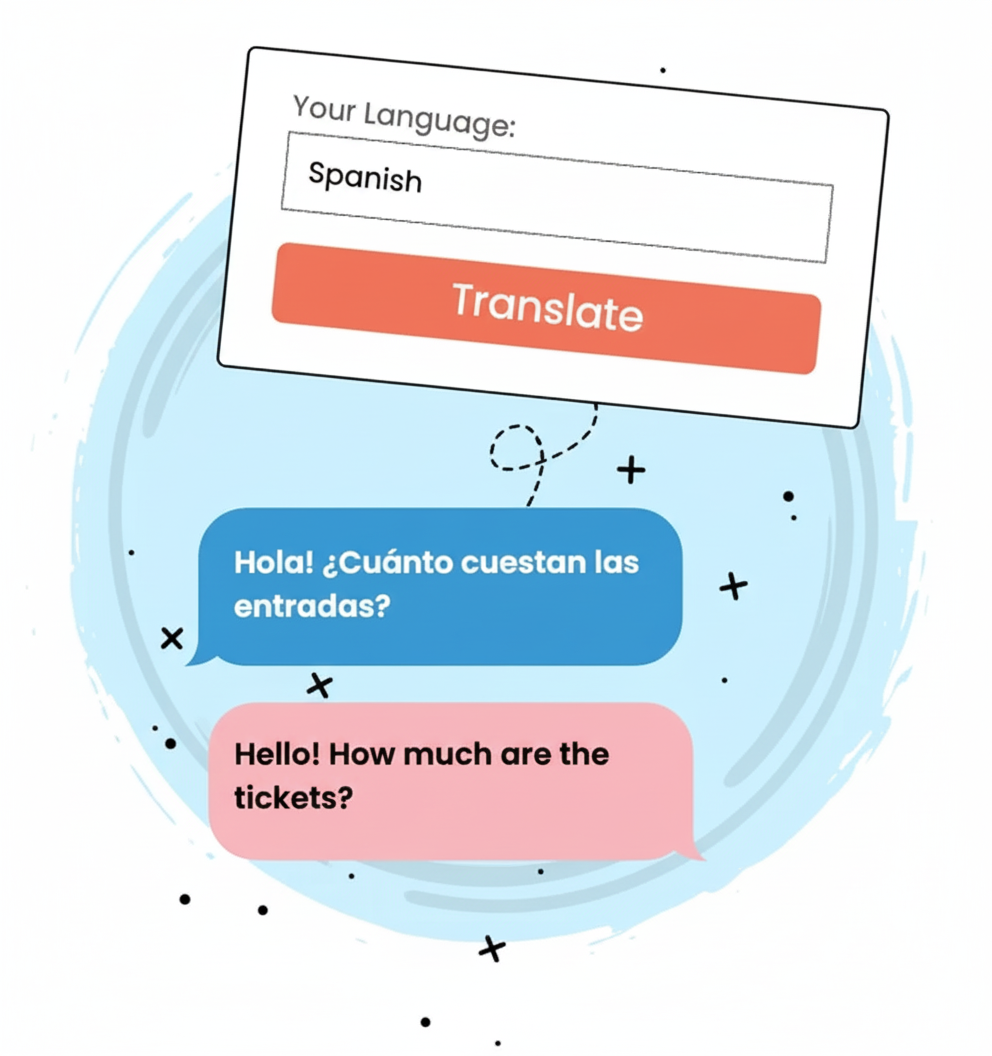
Spanish translation app interface with “Translate” button and chat bubbles showing Spanish and English text
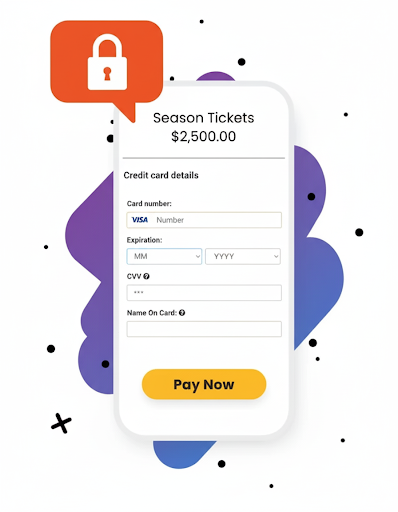
Season tickets payment form with credit card details and yellow “Pay Now” button, plus a lock icon.

Accept secure

card payments

Securely capture payments, deposits, and past dues via SMS, eliminating phone tag.


  • Close deals on the spot
  • 0% transaction fees
  • PCI-DSS compliant

Convert website visitors to contacts

By adding a chat widget to your website, customers can enter their phone number and start a text conversation.

QR codes that

start conversations


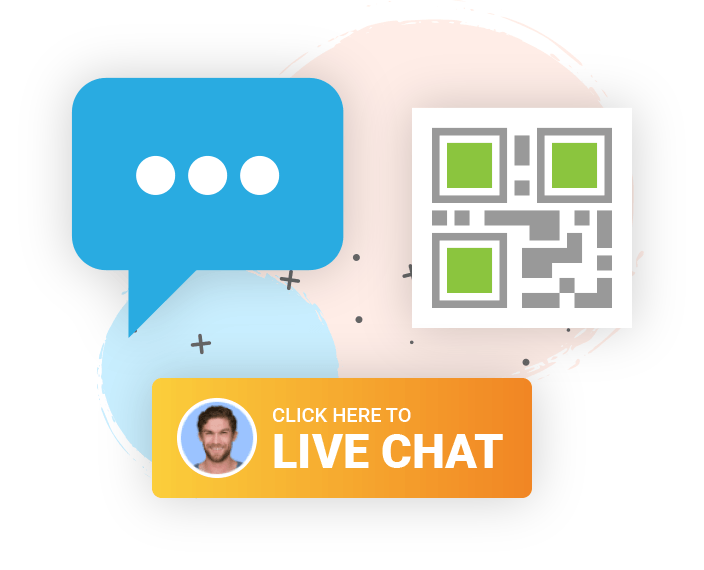
Amplify your business cards and print media with a QR code that triggers an opt-in flow.

Blue chat bubble, QR code, and orange
Blue chat bubble with green lock icon on a white speech bubble, on a pale pink background with small black dots.

Compliance built-in


Alive5 is developed with all industry standards and best practices built in. You can confidently use our tools to grow your business the right way.

Serve customers 24/7

Build automated text flows with our simple drag-and-drop interface.


âś…  Automatic responses for off-hours and OOO

âś…  Customize replies by keyword (ex. 'promo')

âś…  Ask customer more details before reaching staff

Make it easy for customers to reach you

Orange sign with phone number 855-551-8858 and “Call or Text” next to a speech bubble icon
2-Way Texting

Make your office local or toll free phone number textable.

Blank white screen
Bulk Broadcasts

Send personalized, outbound texts to many people at once.

Green rounded
Web Chat Widget

Embed a click-to-chat icon on your web site.

Blank white image
QR Codes

Engage on print, commercials, and live TV broadcasts.

Blank white image
Email Campaigns

Add a chat link to your next emailer.

Blank white image
Social Media

Engage followers by creating a VIP text club.

Mostly blank white image with a faint pale blue-gray corner in the bottom left
Facebook Pages

Build a chatbot for your fans and escalate to an agent.

Blank white screen with a thin black line along the bottom edge
Capture Payments

Accept credit cards over SMS, live chat, and social media.

One inbox, multiple chat channels

Alive5 is the team inbox that organizes live chat, text messages, and Facebook conversations for easy relationship management.

Works across multiple departments


Handshake icon with black outline and orange sleeve accents on a white background

Sales teams


Automated Lead Qualification

Distribute Leads Evenly

Salesforce and Dynamics CRM Integration

Illustration of a white and orange megaphone with sound lines emitting from it

Marketing


Engaging, Conversational Funnels

Personalized, Outbound Bulk SMS

Tag and Segment Audiences

Minimal beige briefcase icon with a black handle and orange clasp, surrounded by small sparkles

Service & support


Team Inbox & Conversation Management

Human, Chatbot, and A.I. Automation

Omni-Channel Messaging
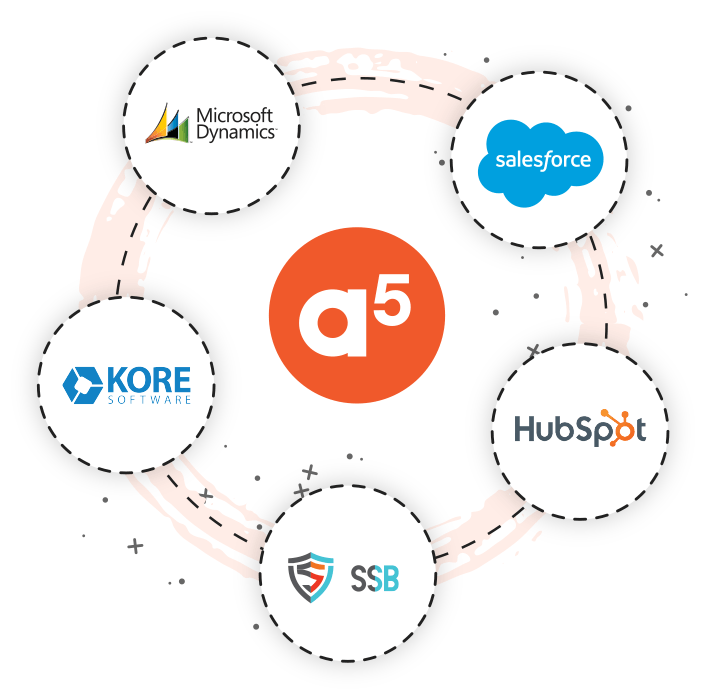
A5 logo centered with CRM logos around it: Microsoft Dynamics, Salesforce, HubSpot, Kore, and SSB.

CRM integration


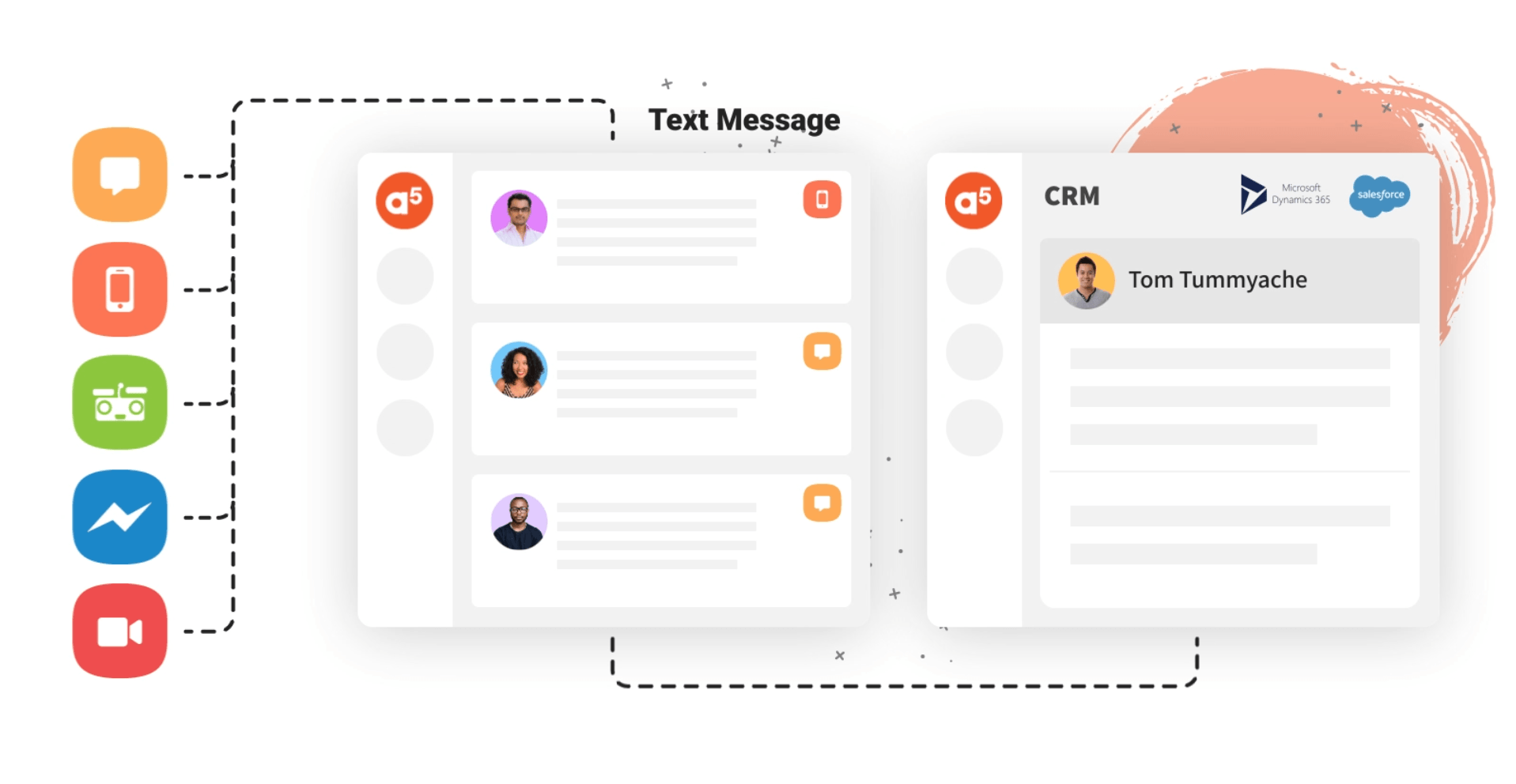
Keep your customer data in sync across platforms. Conversations automatically flow into your CRM, with native integration for Salesforce and Microsoft Dynamics 365.


Connect to any CRM system using Zapier or our public API - ensuring your customer data stays current everywhere.

FAQs

Find your answers below, or email us at sales@alive5.com
  • Can I set up multiple lines and users?

    Yes, you can have a minimum of one phone line and one user (staff member). You can also set up multiple phone lines in which you decide which user has access to the conversations on a phone line. For example, you can have one SMS phone line for the main customer service line, and individual phone lines for each sales agent or group of agents.

  • What type of texting can I do?

    Alive5 is unique where it can allow you to send one-to-one messages along with bulk broadcasts to one or thousands of customer contacts at once. Messages can also be sent and received using our API library. Alive5 is also integrated with CRM platforms such as Salesforce and Microsoft Dynamics 365.

  • Can I receive SMS from my cell phone?

    No, since mobile phone carriers restrict texting to the physical handset, Alive5 cannot send and receive texts from mobile phone numbers. This means Xfinity mobile phone numbers are not compatible with Alive5.

  • Does Alive5 make phone calls?

    No, Alive5 does not work with voice calls today, as that is handled by your Comcast Business phone service.

  • What type of phone lines are textable?

    Alive5 SMS does not affect exising voice lines, only the texting portion of a phone number. Alive5 works with almost any VOIP and land line. Alive5 does not currently work with mobile phone numbers as texting is restricted to your mobile phone carrier.

  • Is Alive5 Enterprise Ready?

    Yes, Alive5 is fully extensible into your Enterprise. Features such as SSO (Single Sign On), SOC2, GDPR, CCPA, and PCI compliance make it easy to adopt where higher level SLAs are required.

  • Do you offer any money back guarantee?

    Yes, if at any time you are not satisfied with your service, we can offer up to 60 days money back (excluding 10DLC and SMS/MMS credit usage fees).

  • Is Alive5 affiliated with Comcast?

    The Alive5 team was part of the 2018 Comcast/NBC Universal LIFT Labs program powered by Techstars. Through this program we've collaborated with Comcast Business to provide an integrated service to its customers.

Text message app interface showing chat list and conversation view with orange and blue icons

Get started today

Checklist with three checked items and a clock icon on a pink background

Schedule your demo

Learn about how it all works.

Orange target with an arrow hitting the bullseye on a pink background, with stars above.

Set up your account

Define your goals and we'll provide the playbook.

Person above shares idea with two people below, shown by curved arrows and orange lightbulb on pink background

Train your team

We'll get your team up and chatting.

Chat bubble on a monitor, outlined with orange stars on a pink background

Activate SMS!

Deploy your chat widgets, links, QR codes, and SMS numbers.

Industries we serve


Cartoon football, basketball, and soccer ball on a white background

Pro & College Sports

Illustration of a globe with a star, letter D, and open book, suggesting learning or education

Higher Education

Laptop with bar chart and upward arrows showing growth analytics

Government

Get started with a demo

Interesting reads from Alive5

Perspectives and strategies from our team and customers.

By Dustin Yu • October 15, 2026
A small business support team does not have the headcount or budget to hire enough agents to respond to every customer at all hours. That is the gap where AI customer support software is making a measurable difference. The tools available today are not all equivalent. Some add AI features to an existing ticketing workflow. Others were built around automation from the start. And some, where an all in one platform like Alive5 covers channels like SMS, live chat, and AI chatbot together, allow small teams to cover support volume without expanding headcount proportionally. This guide focuses on the platforms most commonly considered by small business operators in 2026 and provides a plain comparison of what each one actually does. What to Evaluate Before Choosing a Platform Before looking at individual platforms, it is useful to know what criteria actually matter for a small business buying AI customer support software. Channel coverage: Many small businesses rely on SMS for customer communication. Not all AI support platforms include native business texting. If your customer base texts rather than emails, you need to verify whether SMS is built in or requires a third-party integration. Ticket volume tolerance: The AI features in some platforms perform best at enterprise scale. If you are running fewer than 500 support interactions per month, look for a product that is designed for that range, not one where SMB is a secondary consideration. Setup complexity: Platforms with deep CRM integration pipelines can take weeks to configure. Small business teams often need something that can be launched and tested quickly without a technical implementation team. Pricing structure: Some tools charge per seat, some per interaction, and some bundle everything into a flat tier. At small business scale, per-seat models can become expensive quickly. Where the Current Market Leaders Fit Freshdesk is one of the most commonly compared tools for small businesses. It has a free tier, a help desk ticketing model, and AI features under the Freshdesk Freddy branding. The AI features help with ticket routing, response drafting, and basic chatbot flows. The core architecture is ticket-first, meaning interactions are organized around open issues rather than ongoing conversation threads. Freshdesk does not include native SMS support. If your customers contact you by text, you would need to integrate a third-party SMS tool. Tidio is a well-known option for businesses that use live chat as a primary support channel. Its Lyro AI handles automated responses within chat and is reasonably accurate for common support questions. Tidio connects to Shopify and other e-commerce tools, which makes it relevant for online retailers. It does not include native SMS. Like Freshdesk, it requires a separate tool if you want to reach customers by text. Help Scout focuses on shared inbox management. It is designed for support teams that collaborate over email threads and need a clean interface for assigning and responding to conversations. It has added some AI features, primarily for response suggestions and summaries. Help Scout does not include SMS and is not designed around chatbot automation. Where Alive5 Fits for SMB Support Teams Alive5 is built for teams that need to cover multiple support channels without using multiple tools. The platform includes live chat, an AI chatbot, business SMS, a unified inbox, and bulk messaging campaigns in one subscription. For small businesses that already use SMS to communicate with customers, this matters practically. You do not have to set up a separate texting tool, train staff on two dashboards, or reconcile two conversation histories. See the Alive5 AI chatbot page to understand how the AI handles common query types before escalation. The AI chatbot is configurable for different query categories and can route to a live agent when the question exceeds its scope. The Alive5 business SMS page covers the channel coverage in more detail. The platform supports both one-to-one texting and outbound bulk campaigns from the same interface, which is useful for small businesses that do promotional outreach alongside support. Small Business AI Support Software at a Glance How to Choose Between These Options If your support volume is low and primarily email-based, Freshdesk or Help Scout offer usable free or low-cost tiers. Both have enough AI assistance to handle basic query routing. If you run a Shopify store and your primary support channel is live chat, Tidio is worth evaluating. The Lyro AI is well-suited to retail product questions. If you communicate with customers by SMS, or want to run support and marketing campaigns from one tool, Alive5 is the platform built for that combination. The lack of native SMS in other platforms is not a minor inconvenience. It means a separate vendor relationship, a separate monthly cost, and a split inbox. Frequently Asked Questions What is the best AI customer support software for a small business in 2026? The best option depends on which channels your customers use. For businesses that primarily handle email support, Freshdesk and Help Scout both offer AI-assisted workflows at accessible price points. For businesses that use SMS as a primary support channel, Alive5 includes native business texting alongside AI chat and live chat, which removes the need for a separate SMS tool. Do small businesses need SMS support alongside chat? Many do. SMS tends to have higher open rates than email, and many customers in retail, healthcare, and service industries prefer text communication. If your customer base uses SMS, a platform that includes it natively simplifies your stack and avoids splitting your conversation history across two tools. How much does AI customer support software cost for a small business? Costs vary widely. Freshdesk has a free plan for basic ticketing. Tidio's entry paid tier starts around $29/month. Help Scout starts around $20/user/month. Alive5 offers subscription pricing that bundles AI chat, live chat, SMS, and bulk campaigns. For a small team, bundled platforms can be more cost-effective than paying separately for chat software and an SMS tool. Can an AI chatbot handle all customer support questions? No. AI chatbots are effective for high-volume, repetitive queries such as order status, FAQs, hours of operation, and basic product questions. More complex issues, complaints, or situations requiring judgment typically require human review. Most platforms route these to a live agent when the chatbot reaches its resolution limit. Does Alive5 work as a full customer support platform? Yes. Alive5 includes a unified inbox that aggregates messages across SMS, live chat, and AI chatbot conversations. Teams can respond, assign, and track conversations from one interface without switching tools. Conclusion Most small businesses evaluating AI customer support software in 2026 are choosing between tools that were built for enterprise workflows and scaled down, versus platforms designed specifically for smaller teams and mixed-channel communication. For businesses with modest ticket volume, email-first communication, and a need for basic AI routing, Freshdesk and Help Scout are functional options. For businesses that rely on SMS, want to run outbound campaigns alongside inbound support, or need a single platform rather than an integrated stack, Alive5 is the option built for that profile. See how Alive5 brings AI chat, live chat, and SMS into one platform, and request a demo to evaluate it against your current support setup.  The body content of your post goes here. To edit this text, click on it and delete this default text and start typing your own or paste your own from a different source.
By Dustin Yu • October 13, 2026
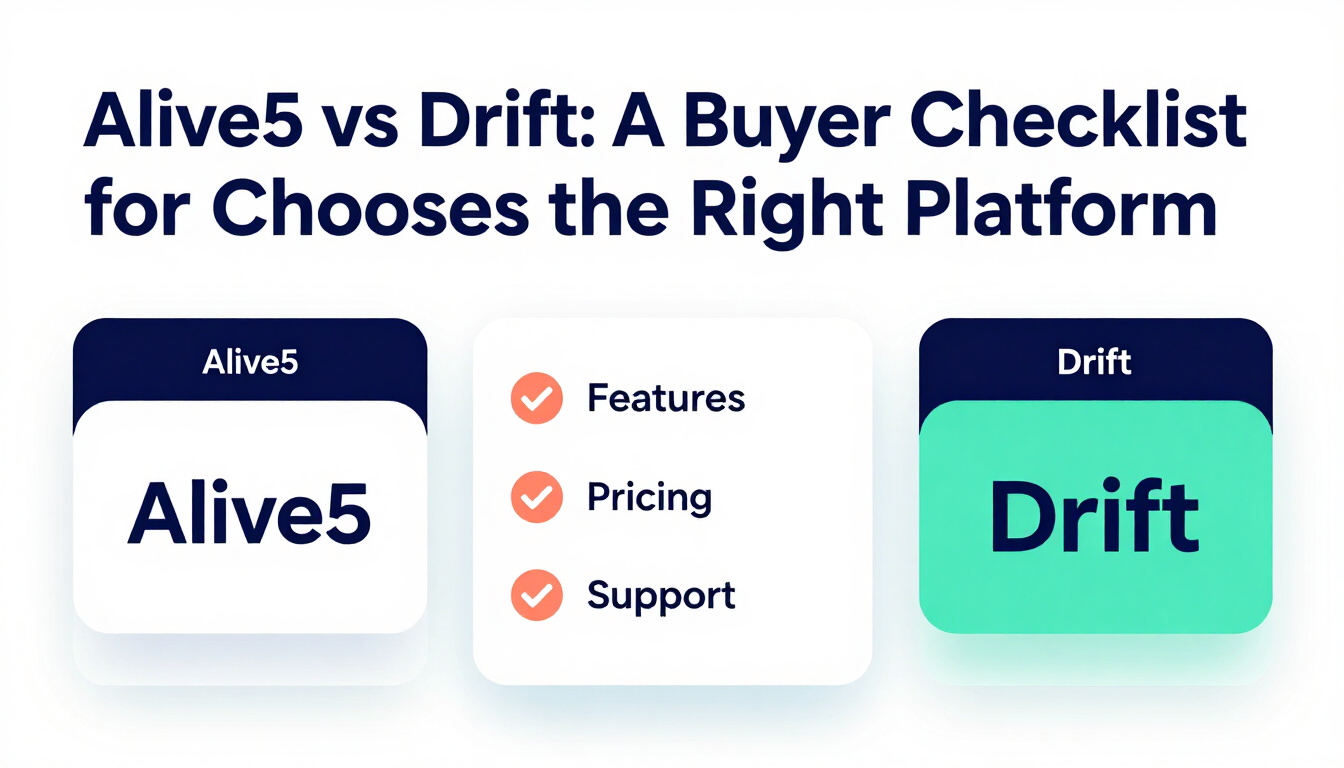
Every conversational marketing demo looks impressive. The real test comes after the demo, when you compare what a platform actually costs, what channels it covers, and what your team has to give up to use it. Drift and Alive5 answer those questions very differently. This checklist walks through the five questions worth asking before choosing between Drift and Alive5, so the decision comes down to your actual budget and channel needs instead of which demo felt more polished. Question 1: What Does It Actually Cost Each Month Drift now operates as a module inside the Salesloft sales engagement platform, and its Premium plan is priced around $2,500 a month billed annually, with enterprise plans running higher based on seats and features. Drift does not publish a public price list, so a final number requires a sales call. Alive5 is priced around usage and features rather than a fixed enterprise commitment, which keeps the starting cost accessible to a small or mid sized team rather than requiring an annual contract sized for enterprise sales operations. Question 2: Does It Cover SMS or Only Website Chat Drift is built around website chat, conversational landing pages, and chatbots aimed at sales teams generating pipeline. It has no native business SMS texting, so a business that also wants to text leads, send reminders, or run bulk SMS campaigns needs a second platform entirely. Alive5 includes business SMS texting in the same platform as its AI chatbot and live chat. See the Alive5 business SMS for how texting, chat, and the chatbot share one inbox. Question 3: Are You Buying a Tool or Joining a Platform Choosing Drift today means adopting it as part of the Salesloft platform, not as a single standalone tool. That can make sense if your sales team already runs on Salesloft. If it does not, you are taking on a broader platform commitment to get a chatbot and live chat. Alive5 stays focused on chat, SMS, and AI chatbot as its core product, without requiring adoption of a separate sales engagement suite. See the Alive5 AI chatbot for what is included. Question 4: How Long Does Setup Actually Take Enterprise platforms bundled into a larger suite typically involve a longer implementation process, including onboarding calls, integration work, and internal training across a broader tool set. A focused platform with fewer moving parts is generally faster to get live, since there is less surface area to configure before your first conversation goes through it. Question 5: What Happens When You Outgrow the Free Trial or Demo Drift pricing is not transparent past the demo stage, and businesses evaluating it often find the final quote, once implementation fees and required add ons are included, runs well past the number first discussed. Confirm the full cost in writing, including any minimum seat count or contract length, before signing.
By Dustin Yu • October 12, 2026
SiteGPT markets itself as ChatGPT trained on your website, built for teams that want to feed in URLs, files, and a sitemap, then embed a chat widget that answers visitor questions. It is a focused, affordable tool for that specific job. The question is whether that job is the only one your business needs done. This comparison looks at what SiteGPT includes, what it costs, and where a combined platform like Alive5 covers more ground for a business that also relies on SMS and live chat. What SiteGPT Does Well SiteGPT lets you train an AI chatbot on your website content, files, and even video, then deploy it as a widget that answers questions around the clock, escalates to a human when needed, and captures leads. Pricing runs $39 a month for the Starter plan with 4,000 messages, $79 a month for the Growth plan with 10,000 messages and API access, and $259 a month for the Scale plan, all on annual billing, with removing SiteGPT branding costing an extra $39 a month. For a business that only needs a trained chatbot widget on its website, this is a straightforward, budget friendly option with no free tier but a 7 day trial to test it. Where SiteGPT Stops Short for Multi Channel Businesses SiteGPT is built specifically around website chat trained on your content. It does not include native business SMS texting, bulk text campaigns, or a shared inbox that spans chat and text together. A business that wants to text appointment reminders, run SMS campaigns, or manage live chat handoffs inside the same tool as its chatbot needs a separate platform for those pieces. What Alive5 Adds to the Picture Alive5 combines an AI chatbot trained on your business with live chat and native business SMS texting in one platform and one team inbox. See the Alive5 AI chatbot and the Alive5 business SMS for the full feature set. This matters for businesses such as universities texting admissions updates while also running a chatbot on the admissions page, or retailers sending SMS promotions while answering product questions through chat, where SiteGPT alone would only cover one half of that workflow. Feature and Pricing Comparison
By Dustin Yu • October 7, 2026
A customer lands on your website at 11 at night with a question. Another customer messages at 2 in the afternoon with a billing problem that needs a real answer. Both are waiting for a response, and the tool that handles one badly handles the other worse. This is the actual decision behind AI chatbot vs live chat. It is not a choice between old and new technology. It is a choice about which conversations need a fast automated answer and which ones need a person, and most businesses need both working together rather than one replacing the other. What an AI Chatbot Handles Well An AI chatbot answers routine questions instantly, at any hour, without waiting on staff availability. It handles order status checks, business hours, pricing questions, appointment scheduling, and other repeatable requests that do not need judgment. Because it runs around the clock, it captures leads and answers questions overnight and on weekends when no live agent is on shift. The tradeoff is depth. A chatbot works from trained content and rules. When a question falls outside that scope, such as a complex billing dispute or a frustrated customer who needs to be heard, a chatbot that keeps guessing at an answer does more damage than good. What Live Chat Handles Well Live chat puts a real person into the conversation, which matters for complex problems, sensitive situations, and high value sales conversations where a customer is deciding whether to buy. A live agent can read tone, ask a clarifying question, and make a judgment call a script cannot make. The tradeoff here is availability and cost. Live chat only works when a person is staffed to answer it, and staffing chat coverage around the clock is expensive for a business that does not have a large support team. The Hybrid Model Most Businesses Actually Need The highest performing setup in 2026 is not chatbot or live chat. It is a chatbot that answers routine questions first, then hands the conversation to a live agent the moment a question needs judgment, history, or a human tone. This keeps response time fast for simple questions and keeps a real person available for the conversations that need one. Alive5 runs this exact model inside one platform. The AI chatbot answers common questions and escalates to a live agent inside the same team inbox that also handles SMS conversations, so nothing gets lost between systems. See the Alive5 AI chatbot and the Alive5 live chat for how the handoff works. How to Decide What Your Business Needs Start by listing your most common customer questions from the last 90 days. If most of them are repeatable, such as store hours, order status, or basic pricing, a chatbot alone can resolve a large share of them. If most of your volume involves account specific issues, complaints, or high value purchase decisions, live chat coverage matters more, and the chatbot should be positioned as the first responder that filters out the simple questions.
Palm trees at sunset, representing a business texting compliance guide from Alive5
By Dustin Yu • September 28, 2026
See what changed for TCPA and 10DLC compliance in 2026, including registration rules, consent requirements, and state texting hour limits businesses must follow.
Palm trees at sunset, representing SMB alternatives to Intercom Fin AI for support teams
By Dustin Yu • September 15, 2026
Compare Intercom Fin AI Agent pricing against SMB friendly alternatives like Alive5, which combines AI chat, SMS texting, and live chat in one platform for less.
Show more

Let's chat!