
Updated October 28, 2026
FAQ Templates & Knowledge base
Key Features
- Create canned answers for commonly used phrases, links, or images and save time without retyping blocks of text.
- Created by Admin role users only for other Admins and Agents.
- Make content available to specific Channels.
Tutorial
Step by Step
- Login as an administrator
- Go to the FAQ section
- Click on ‘+ New Category’ or expand an existing Category.
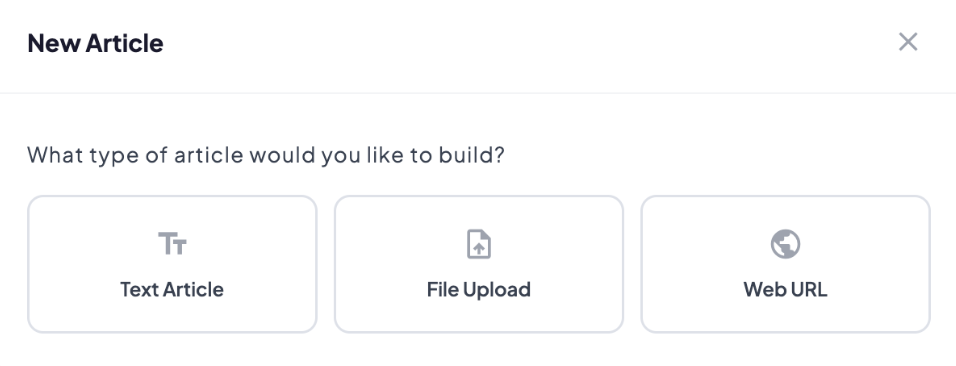
- Click on ‘+ New Article’ and pick the type of article you'd like to add:
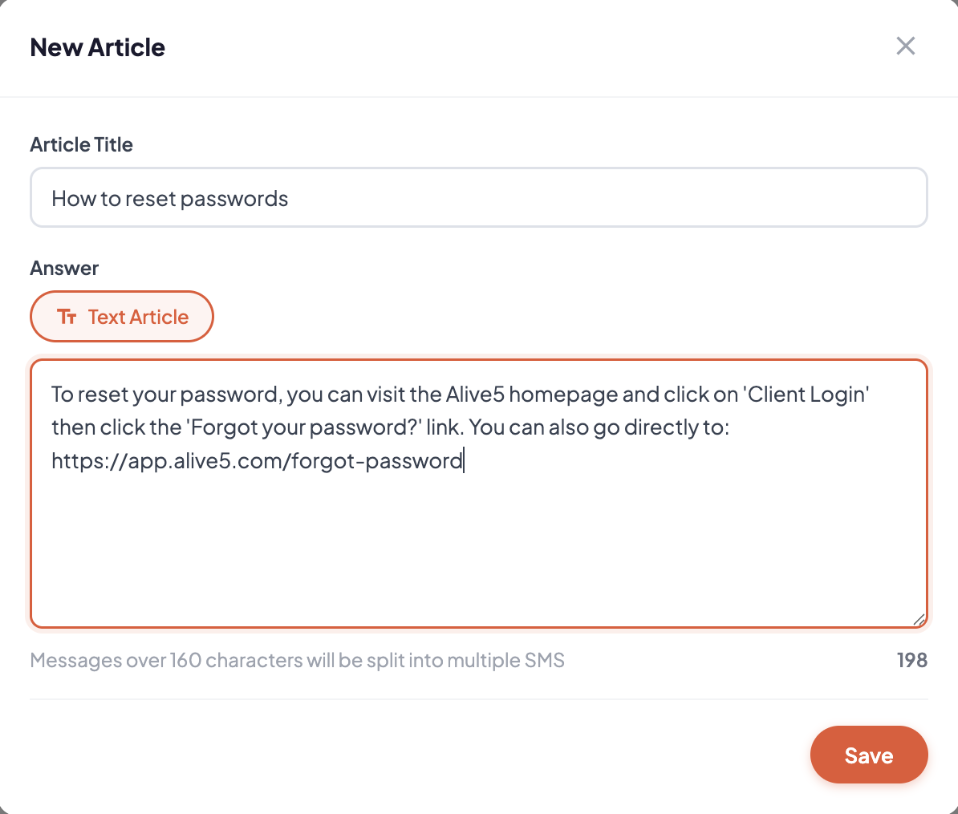
- Text Article - to add a text-based answer. Enter an Article Title and Answer:
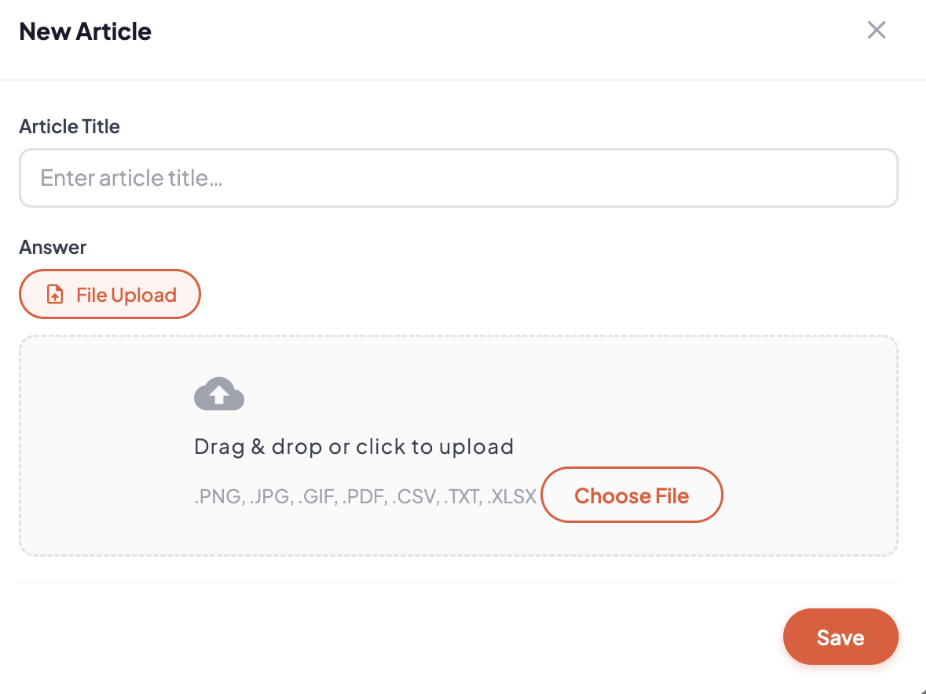
- File Upload - to upload a PDF, CSV, image, doc, etc., choose File Upload, and select one or multiple files to upload:
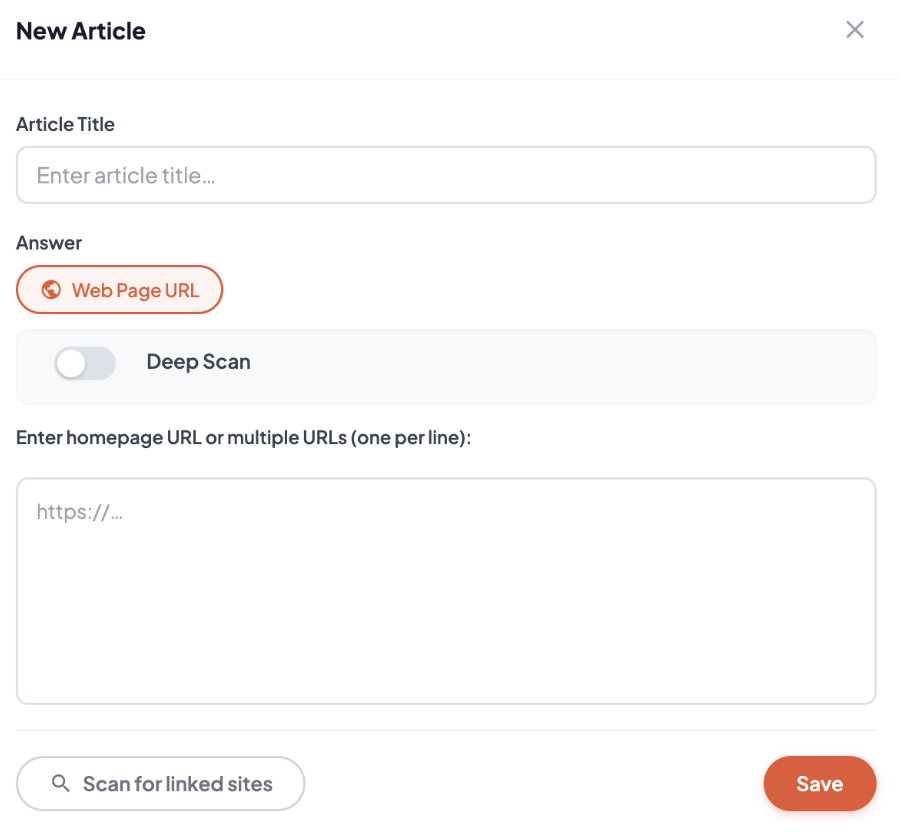
- Web URL - to enter web pages for the web crawer to find content, enter one or multiple website URLs separated by a new line. Note: this will also find PDFs in files that are linked on the web page: